Writing /
Docker AI Agents Era
What if you could orchestrate AI agents like microservices? Local LLMs, MCP gateways and Docker Compose, with three levels of agent complexity.
Intro
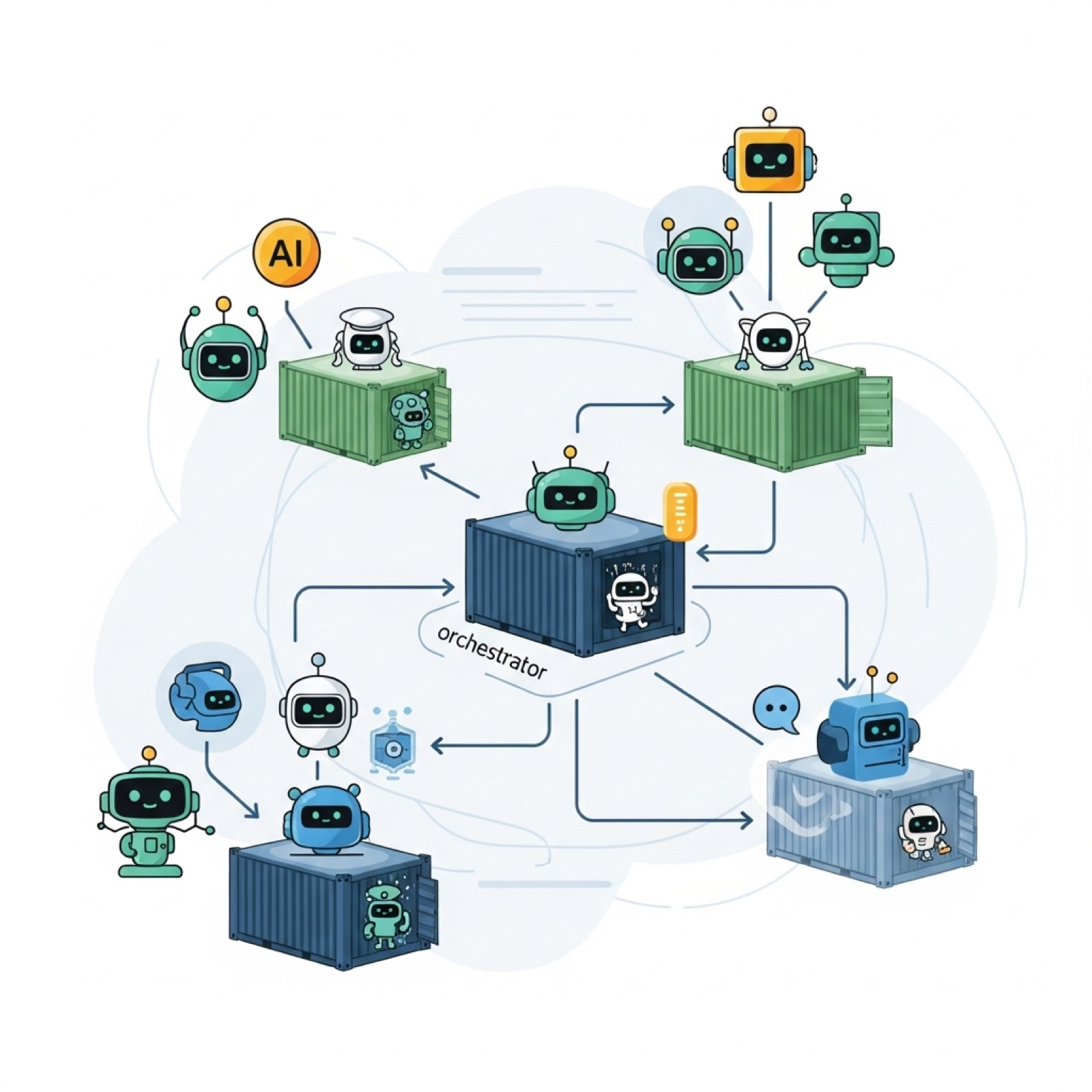
What if you could orchestrate AI agents like microservices? I recently attended the WeAreDevelopers World Congress, and among the vast number of AI topics, one in particular caught my attention the most. It was a presentation by the Docker company.
In this article, I want to highlight new things that have been released in recent months and days. Of course, I’ll provide some demo examples with three levels of agent complexity. At the end of this article, you’ll find all the official blog posts I recommend for reading, plus a link to my GitHub repo.
If you are an engineer who wants to try your luck with local LLMs, add some MCP magic, and have everything wrapped in Docker Compose logic — welcome. I knew about all of these technologies separately, but this weekend was my first time writing some agentic code.
For the best experience and the ability to run the code locally, I would recommend a few updates. Of course, it might be different for everyone, but here is my current setup where everything is running smoothly:
- MacOS Sonoma 14.7.2
- Docker Desktop 4.43.2
- Compose v2.38.2-desktop.1 (auto-updated with Docker Desktop update)
New features
Here is a screenshot with a few things I want to cover in this article. First, I’ll briefly describe what they are, and later on, I’ll show you how to use them in the code with some real examples.
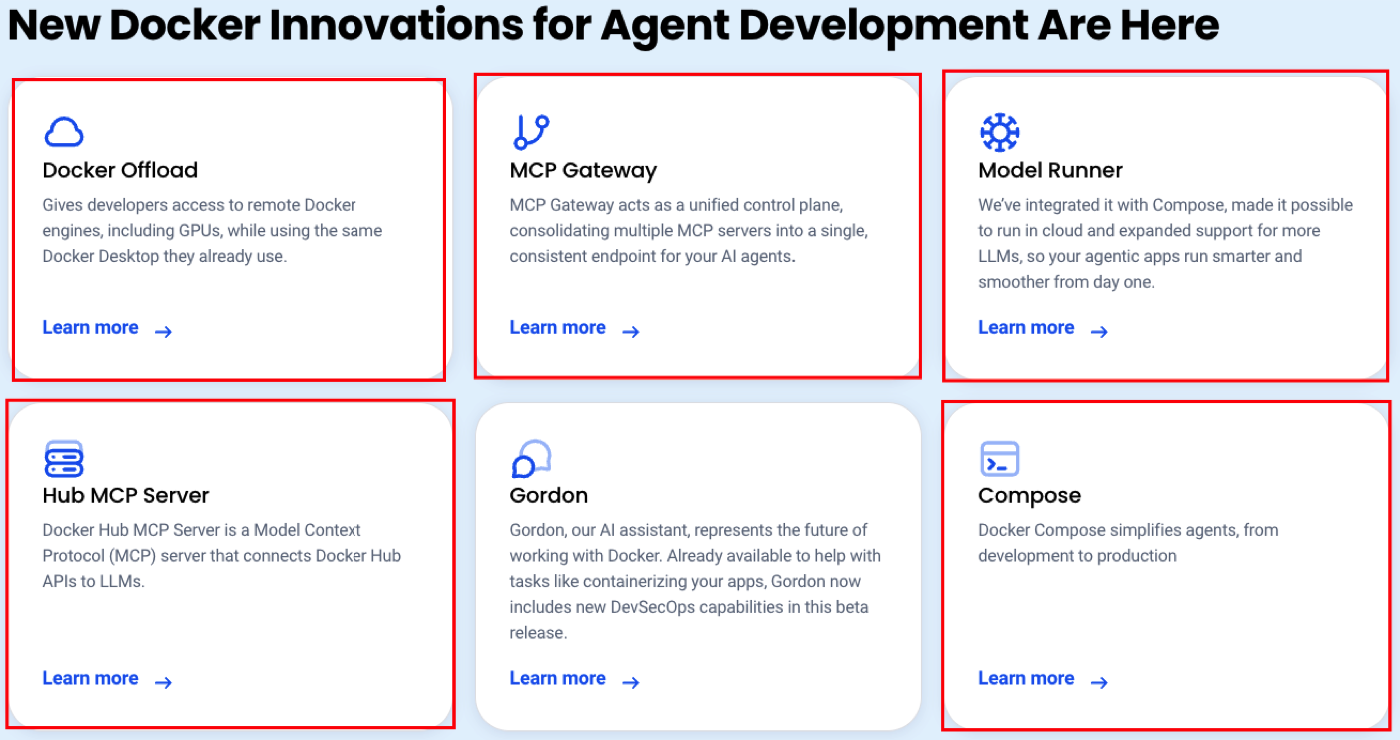
Let’s assume I just realized that there is a possibility to run open-weighted LLMs locally. And I have nothing installed, and I just want to try something or make a small demo for my team. The chances of having Docker on your machine are pretty high, and the good news is that’s pretty much what you would need in this situation.
With the simple command docker model run ai/llama3.2, you can run an LLM locally.

Of course, you can change the model, as there is a new “Models” tab in Docker Desktop where you will find a catalog of all available LLMs.
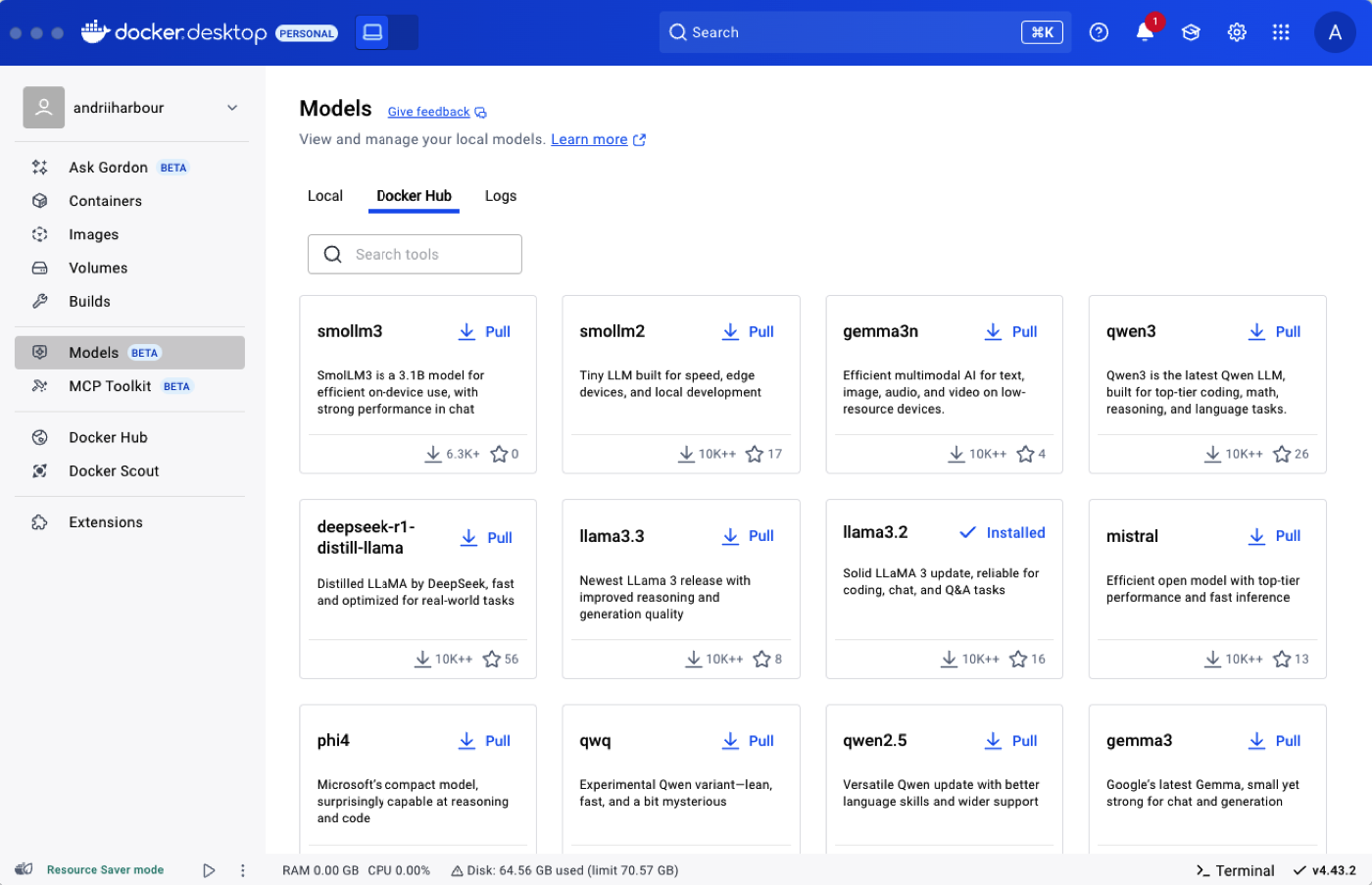
Another piece of good news is that you’re not limited to this list; for example, Hugging Face now also supports running its models via Docker. Here is a list of the LLMs that I’ve tried and some of their parameters.

Another big update is MCP (Model Context Protocol). You might want to let your agent connect to third-party services using their MCPs. How do you do that? How do you connect this to your current infrastructure? Well, the MCP gateway will let you do this.
Example of the code in Docker Compose:
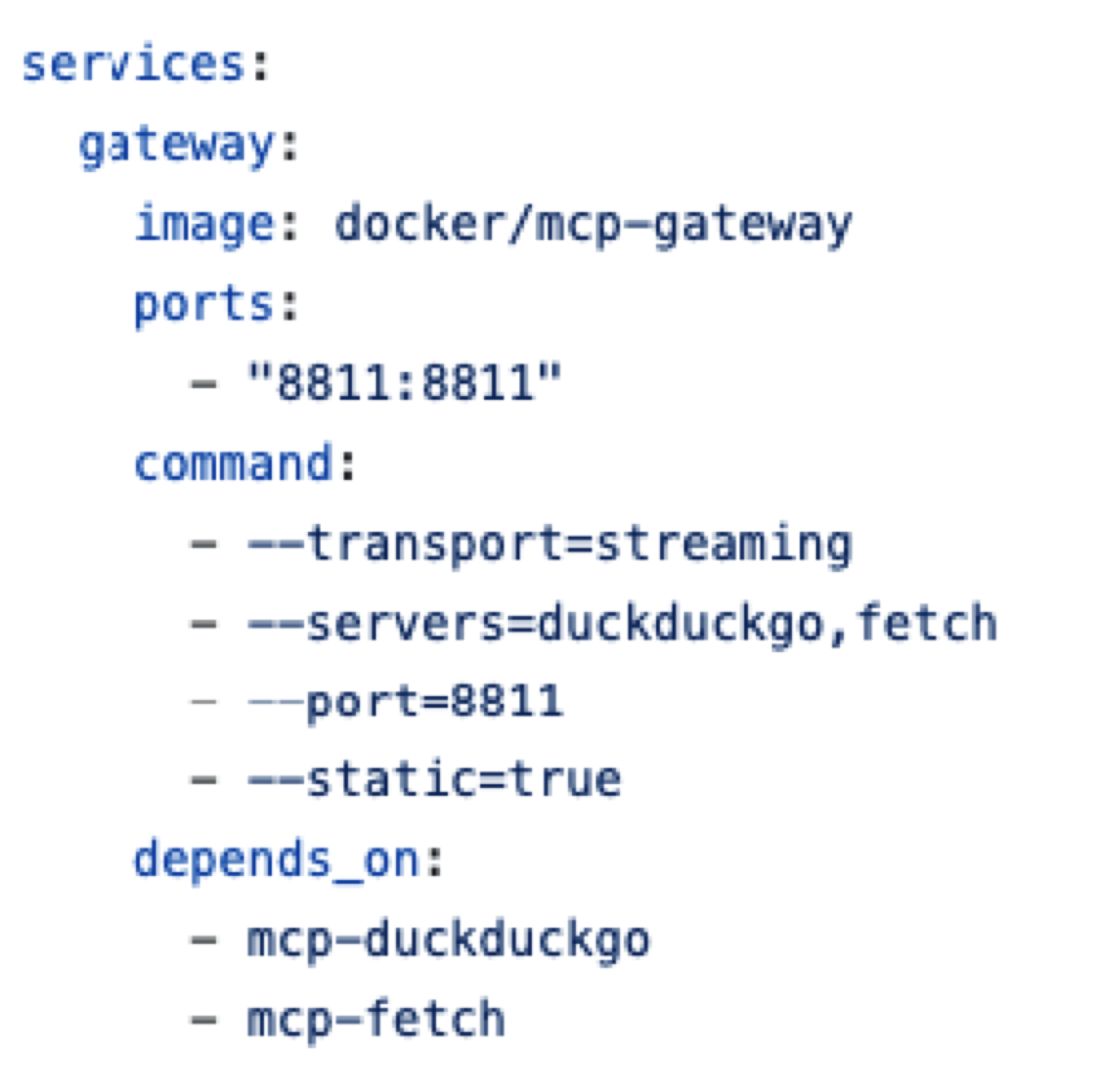
Select the service (from the Docker Catalog), define the port, and choose the communication method (it might be streaming, SSE, etc.). More examples are here. Besides that, there is a possibility to run MCP as a standalone Docker service without Compose. Of course, you can still pass a .env file, variables, and connect secrets or volumes.
TIP: Go check the Docker MCP catalog, install something, and try to communicate with some services using the predefined exposed tools.
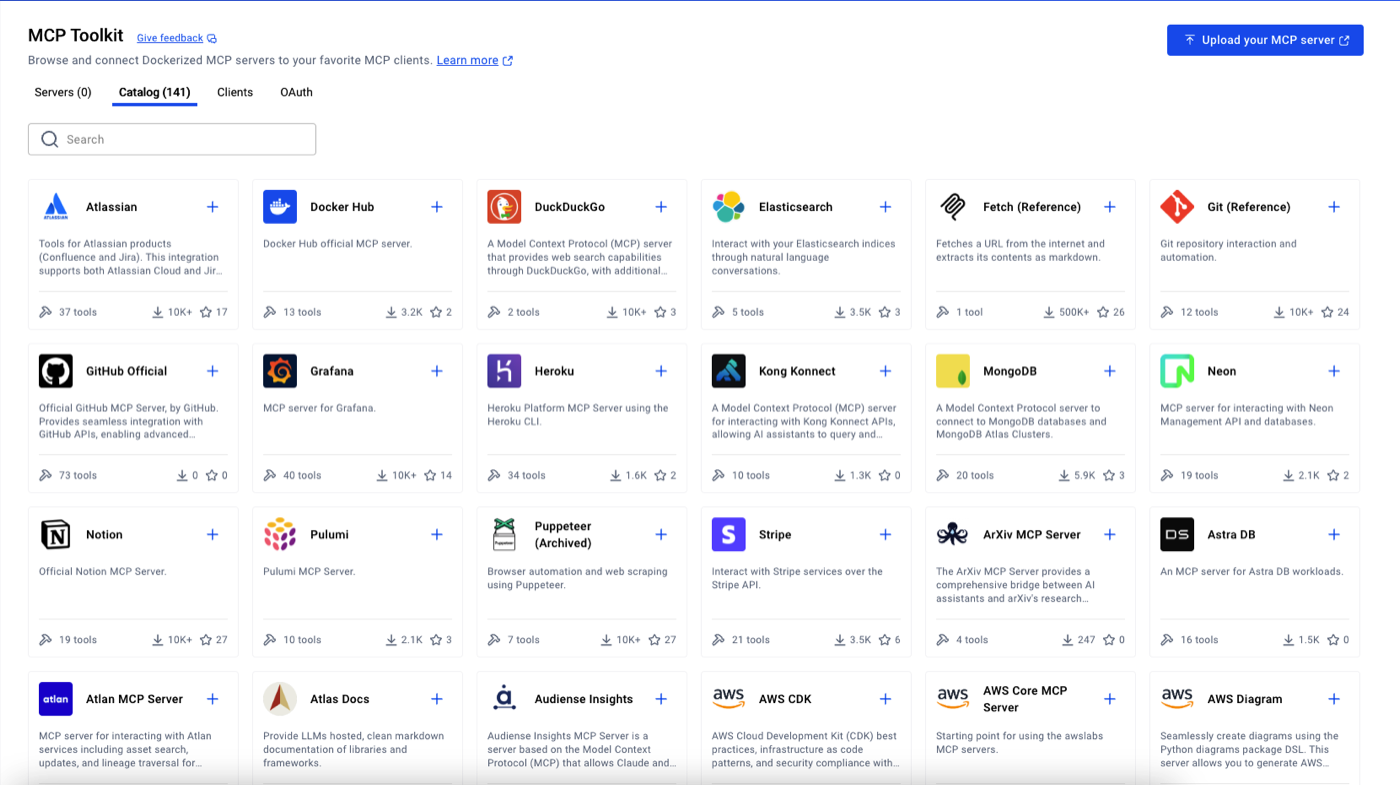
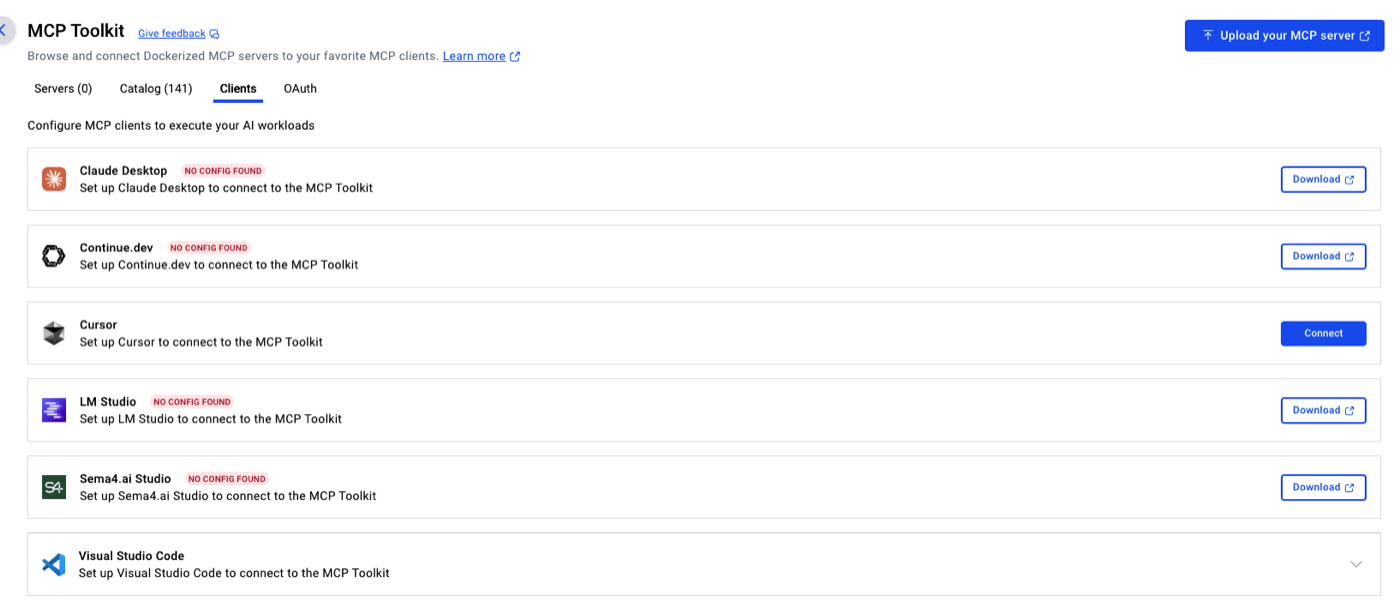
BONUS: You can connect the MCP toolkit to your IDE (e.g., it’s super easy to do in Cursor), which will provide you with even more flexibility and help to finish infrastructure upgrades.
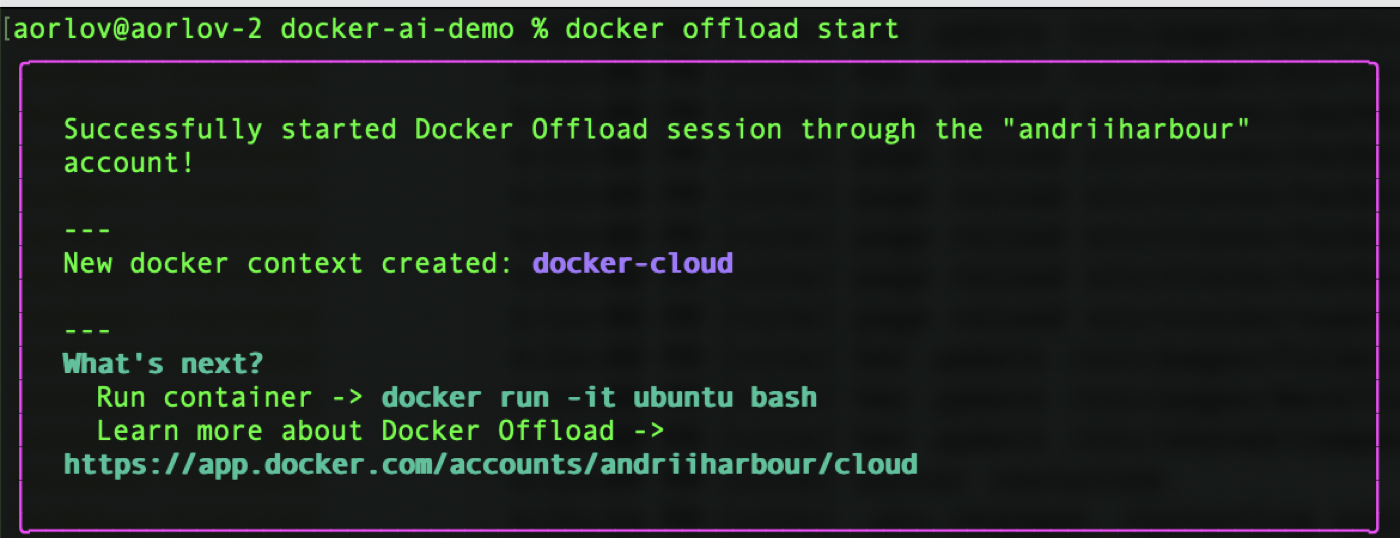
Last but not least — offload. Long story short: you want to run a huge LLM, but your laptop is crying, whistling, and struggling, and at the end of the day, it shows you “Ran out of memory.” To avoid this, you can now run all your images and models in the Docker cloud. As of today, the official documentation says, “Enjoy 300 free GPU minutes to get started! After credits expire, usage is priced at $0.015 per GPU minute. Pricing subject to change after Beta.” The link for beta access will be in the links section at the end.
To start using offload, either type docker offload start or toggle the switch in Docker Desktop (hint: the background will become pink).
Demo time
Level 1 agent
The story: My girlfriend lives in New York, and I want to create an agent that will tell me the time there. I’m not interested in any other cities.
Lib requirements:
google-adk==1.7.0
litellm==1.74.7
It’s pretty simple. I like Google ADK for its built-in chat UI and all the debugging possibilities. Of course, you’re free to choose any other library that would work best for you, but then you would need to adjust the code. LiteLLM is just a useful wrapper for running a local LLM. One trick needs to be done, though. LiteLLM has different mappers under the hood, which requires our model to be one of the predefined ones. I’ve seen this done in the official Docker examples, so I’m doing the same in my Dockerfile.
export OPENAI_BASE_URL=${MODEL_RUNNER_URL}
export OPENAI_MODEL_NAME=openai/${MODEL_RUNNER_MODEL}
export OPENAI_API_KEY=cannot_be_empty
OPENAI_MODEL_NAME gets a prefix of openai. And OPENAI_API_KEY is just assigned a random value since LiteLLM will complain without it. No actual calls to OpenAI are being made.
Now for the interesting part. The agent.py (and yes, the naming of the file is very important for google-adk) code is pretty simple since it’s level 1.
def get_current_time(city: str) -> dict:
    """Returns the current time in a specified city.

    Args:
        city (str): The name of the city for which to retrieve the current time.

    Returns:
        dict: status and result or error msg.
    """
    if city.lower() == "new york":
        tz_identifier = "America/New_York"
    else:
        return {
            "status": "error",
            "error_message": (
                f"Sorry, I don't have timezone information for {city}."
            ),
        }

    tz = ZoneInfo(tz_identifier)
    now = datetime.datetime.now(tz)
    report = (
        f'The current time in {city} is {now.strftime("%Y-%m-%d %H:%M:%S %Z%z")}'
    )
    return {"status": "success", "report": report}


root_agent = Agent(
    name="time_agent",
    model=LiteLlm(
        model=f"{os.environ.get('OPENAI_MODEL_NAME')}"
    ),
    description=(
        "Agent to answer questions about the time in a city."
    ),
    instruction=(
        "You are a helpful agent who can answer user questions about the time in a city."
    ),
    tools=[get_current_time],
)
For this example, we treat get_current_time as a mock for the call to some third-party service. It can be just an HTTP request or MCP (we’ll see this next). But what’s important is that it’s our tool that our agent can use. And root_agent = Agent() is what accepts calls from the UI. It’s pretty clear, but just check the LiteLLM part, where we define that we will handle all communication through our Docker-running model. The Docker Compose file is also very simple; I won’t dwell on that. The link to GitHub will be at the end.
The result:
Level 2 agent
The story: Same as in the level 1 agent.
Lib requirements: Same as in the level 1 agent.
But this time, we want a real MCP instead of a dummy function. I checked the Docker MCP catalog and found one that might work for my needs.
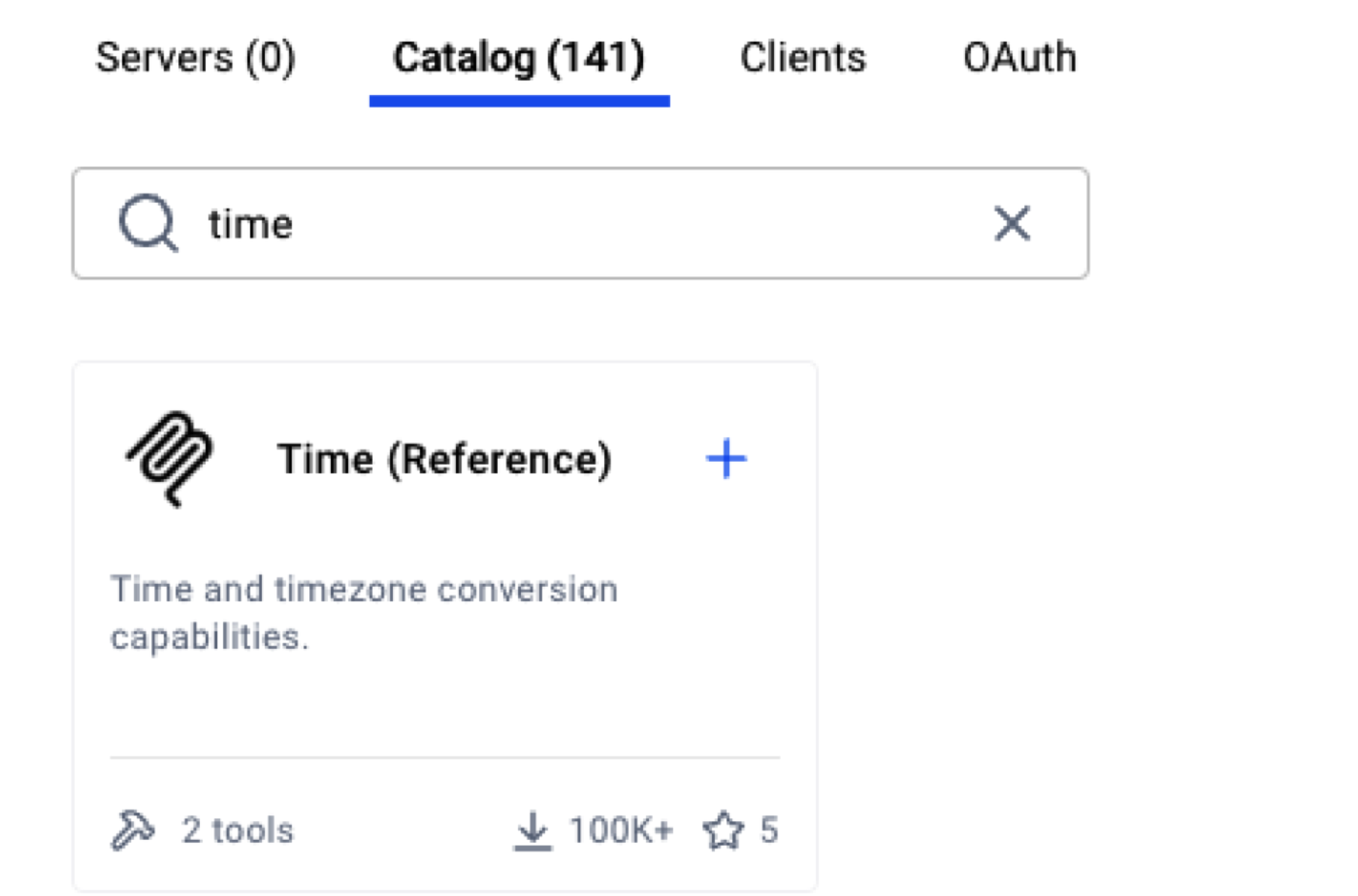
Connecting it is very easy using Docker Compose. In my case, it looks like this:
mcp-gateway:
  image: docker/mcp-gateway:latest
  use_api_socket: true
  command:
    - --transport=sse
    - --servers=time
As you can understand, --servers=time is what actually gets the job done. If I needed to, I could iterate over a few servers there. The official documentation has a bunch of useful examples, so I won’t stop there.
Let me show you our agent.py, which is even simpler now.
tools = create_mcp_toolsets(tools_cfg=["mcp/time:get_current_time"])

root_agent = Agent(
    name="time_agent",
    model=LiteLlm(
        model=f"{os.environ.get('OPENAI_MODEL_NAME')}"
    ),
    description=(
        "Agent to answer questions about the time in a city."
    ),
    instruction=(
        "You are a helpful agent who can answer user questions about the time in a city. "
        "You are using MCP Gateway to get the current time in a city. You are always using the same MCP tool."
    ),
    tools=tools,
)
There are two things to mention. First, we are now using our custom function to get the list of available tools our LLM can call to fulfill our request. Second, even if MCP has a lot of tools to call, the LLM should be smart enough to understand that. In our local host case, the model might start making mistakes, so it’s better and super easy to limit it to call only a specific tool (or tools) and not make it guess. I do that by providing mcp/time:get_current_time; another option would be to limit the set of choices in the Docker Compose file.
The result:
Level 3 agent
The story: My girlfriend travels every day, and I want to create an agent that tells me the time in her city. Additionally, I want to connect a second agent that would accept that time and tell me if it is an ok time to call her for an online date. For this exercise, we will consider that our date is possible only if her local time is in the range from 6 p.m. (18:00) to 10 p.m. (22:00).
Lib requirements: Same as in the level 1 agent.
This is probably the time when you will understand the whole beauty of these things. Now my project structure is:
is-it-time-agents/
├── subagents/
│   ├── dating/
│   │   ├── __init__.py
│   │   └── agent.py
│   └── timing/
│       ├── __init__.py
│       ├── agent.py
│       └── tools.py
├── __init__.py
└── agent.py
Let’s briefly check them one by one. For the timing agent, we will see almost the same code as we did for the level 2 agent. We are still using the time MCP, which returns the current time in the requested city.
tools = create_mcp_toolsets(tools_cfg=["mcp/time:get_current_time"])

time_agent = Agent(
    name="time_agent",
    model=LiteLlm(
        model=f"{os.environ.get('OPENAI_MODEL_NAME')}"
    ),
    description=(
        "Agent to answer questions about the time in a city."
    ),
    instruction=(
        "You are a helpful agent who can answer user questions about the time in a city. Please IGNORE the user's question and just return the time in the city. Here is the question that contains the city:"
    ),
    tools=tools
)
The dating sub-agent is more like what we did for the level 1 agent. It accepts a request, lets the local LLM process it according to the prompt, and returns the response. The only difference is that our prompt will be extended with the MCP time answer.
dating_agent = Agent(
    name="dating_agent",
    model=LiteLlm(
        model=f"{os.environ.get('OPENAI_MODEL_NAME')}"
    ),
    description=(
        "Agent to answer is it ok to go on a date on a given time in a given city. "
    ),
    instruction=(
        "You are a helpful agent who can decide if it is ok to go on a date on a given time in a given city. Let's assume that the best time to go on a date is between 18:00 and 22:00."
    ),
    before_model_callback=_force_string_content,
    after_model_callback=_remove_end_of_edit_mark,
)
And the cherry on top — our root agent. root_agent is the variable name that Google ADK looks for in the provided directory. For us, it is this:
from google.adk.agents import SequentialAgent

from .subagents.dating import dating_agent
from .subagents.timing import time_agent

root_agent = SequentialAgent(
    name="is_it_time_agent",
    description=(
        "Agent to answer questions about the time and is it ok to go on an online date with my girlfriend."
    ),
    sub_agents=[time_agent, dating_agent]
)
It’s just a few lines of code, but what’s interesting here is the usage of SequentialAgent and sub_agents, which works like a workflow. The data and response from sub_agent #1 are passed to sub_agent #2…#N. Exactly what we need.
I almost forgot. My Docker setup has limitations (both RAM and storage), but what if I want to run some fancy AI model, or my laptop is not powerful enough to handle all of that? Well, there is an answer for that too — docker offload start will switch to cloud mode, and all your images and containers will spin up remotely. Optionally, you can switch to that mode using the UI. I’ve also added a compose.offload.yaml to give a more powerful model a try.
The result:
Summary
The whole point of this article is to show how easy it is to “touch” the new concepts of MCP and local LLMs without installing or switching to a new set of tools. Of course, being an AI engineer or even using these technologies in a more advanced way would require getting your hands dirty. But I believe if there are possibilities to play with all of that and just to understand the concept — it works amazingly well.
Yes, the Docker MCP gateway and these AI features are still in beta, and I easily found a few minor bugs and documentation mismatches, but I’m not encouraging you to run everything in production. What I am doing is trying to make the point that AI is here. I basically spent more time talking to my code than reading or writing it. And I haven’t used import requests for the demo for the first time in my life. Shout out to the Docker team. I enjoyed the process.